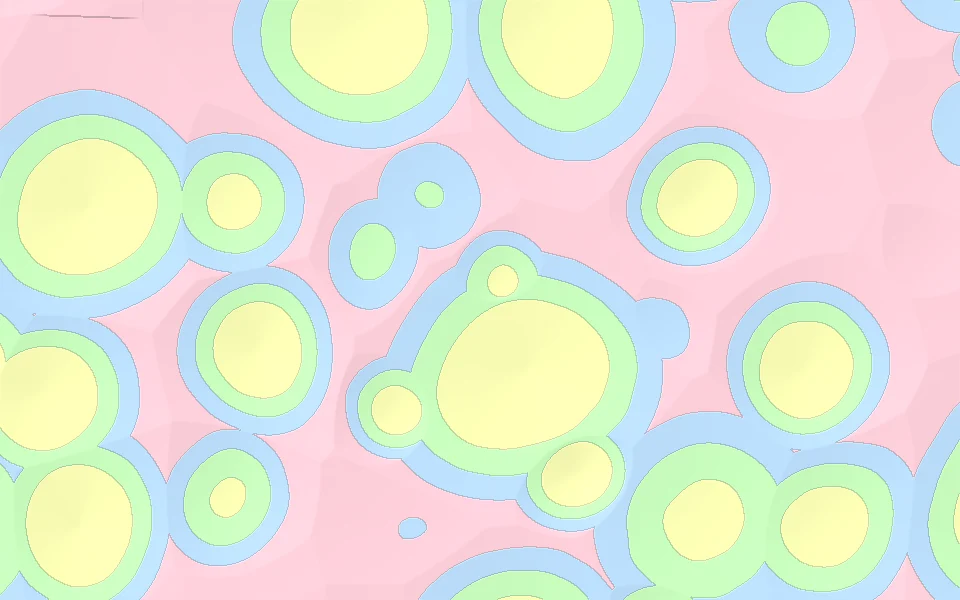
Stars · 4 colors
Star Confetti.
Star Confetti is a 4-color pattern for multicolor 3D printing: little stars scattered over the surface, in white, red, blue and yellow. Put it on your own STL, OBJ or 3MF model in the KOGI LAB editor, change the colors to the filaments you have, and download a print-ready multicolor 3MF for Bambu Studio, OrcaSlicer or PrusaSlicer.
- white#F6F3EC · 88%
- red#E63946 · 4%
- blue#2F6FD6 · 4%
- yellow#F2C230 · 4%
The colors are a starting point: in the editor each one becomes a filament you can change, and the shares set how much of each goes on the model.
HOW TO PRINT IT.
- Open your modelUpload an STL, OBJ or 3MF in the KOGI LAB editor, or start with one of ours.
- Put Star Confetti on itThe pattern wraps the whole model or only the parts you pick. Change its colors, scale and shares.
- Download a 3MFThe colors are painted into the 3MF, ready for Bambu Studio, OrcaSlicer or PrusaSlicer and your AMS or multi-material printer.