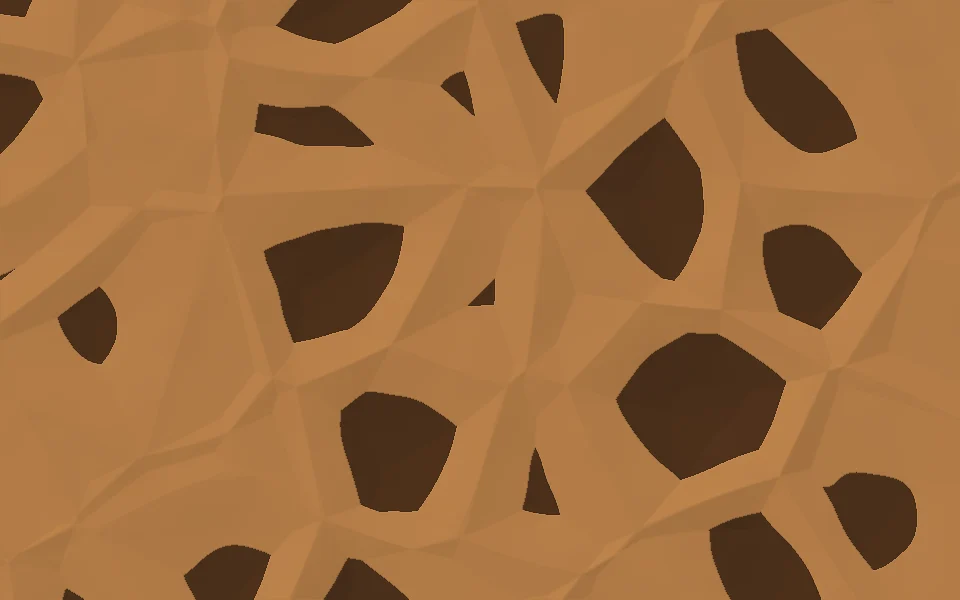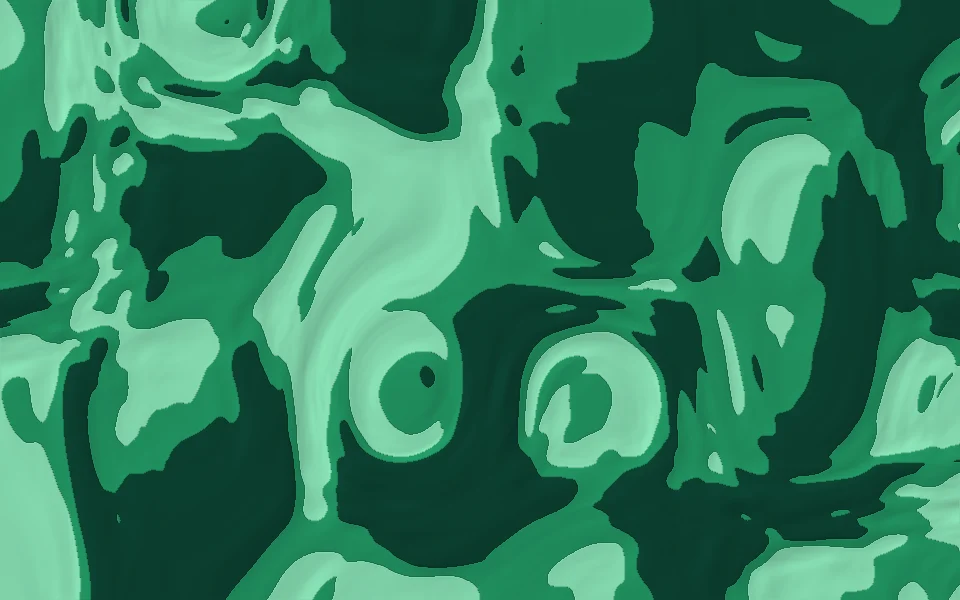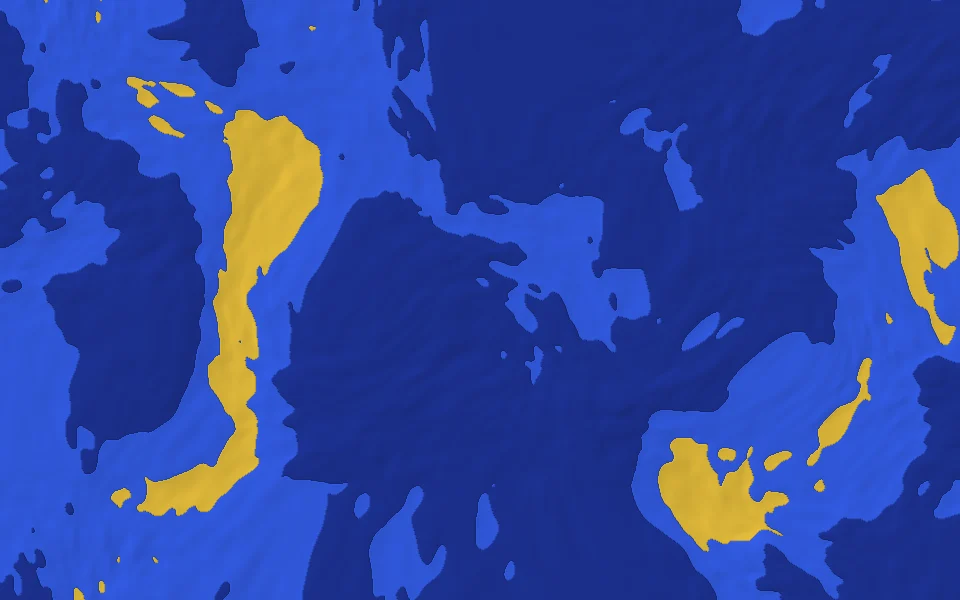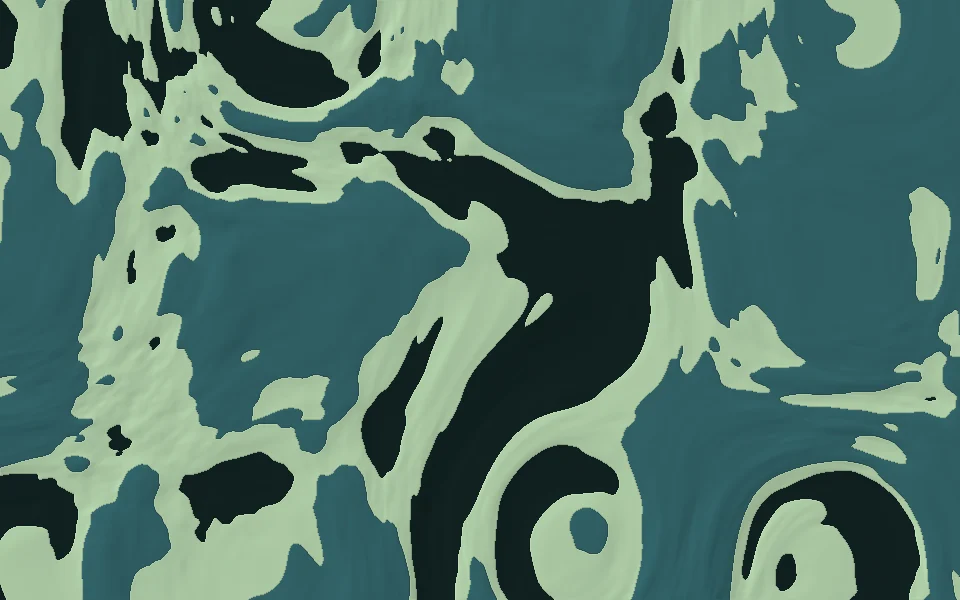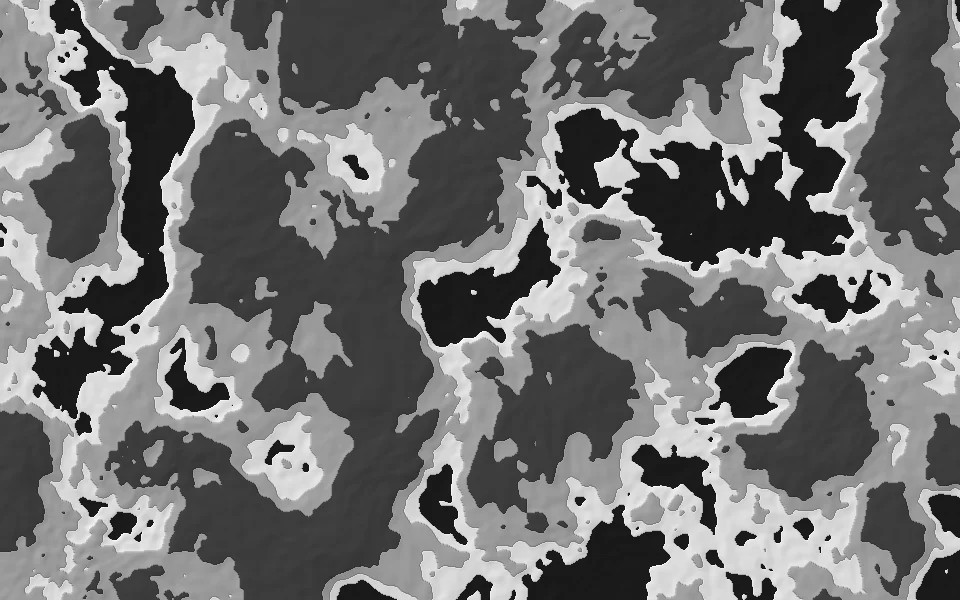
Natural splotches · 4 colors
Granite.
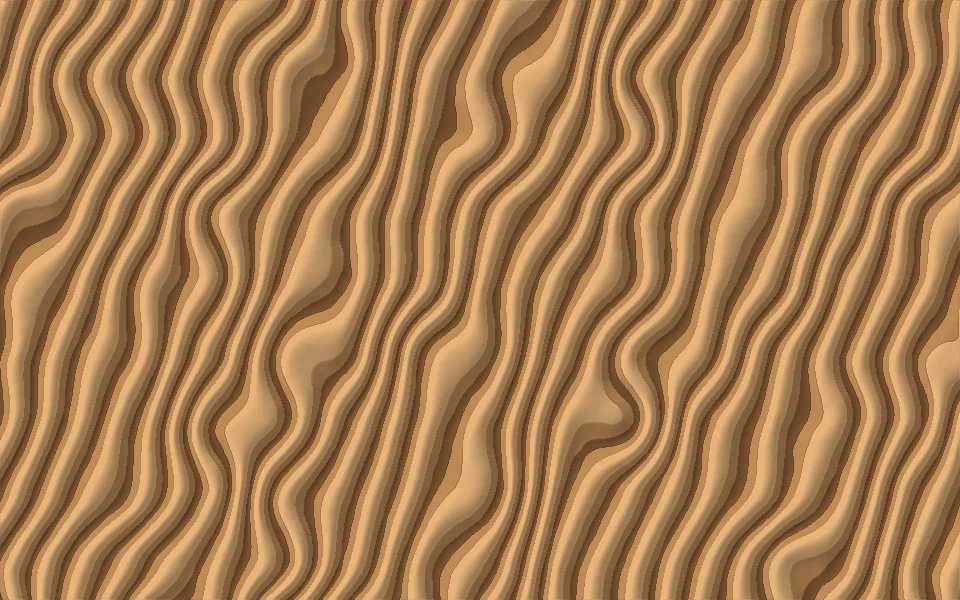
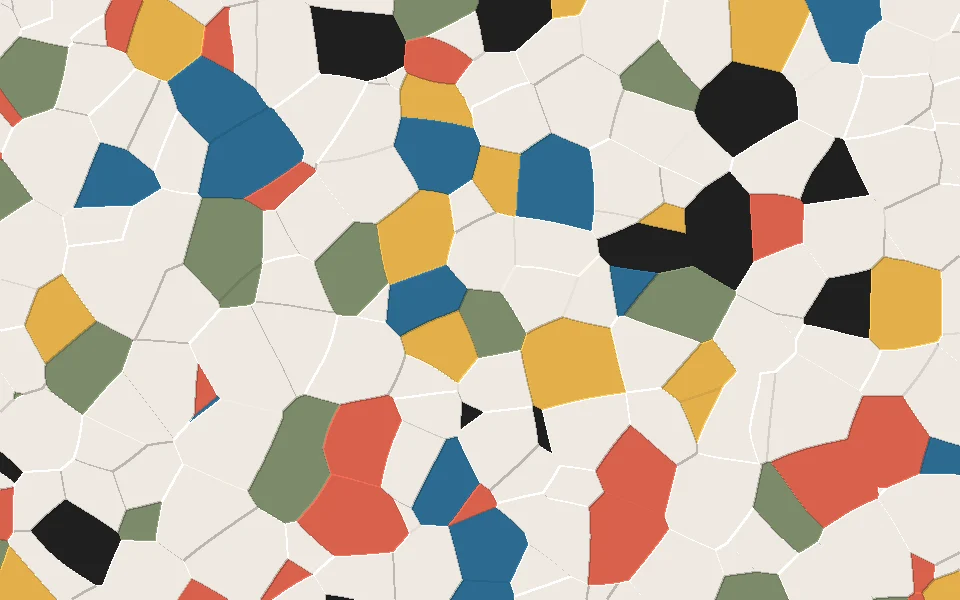
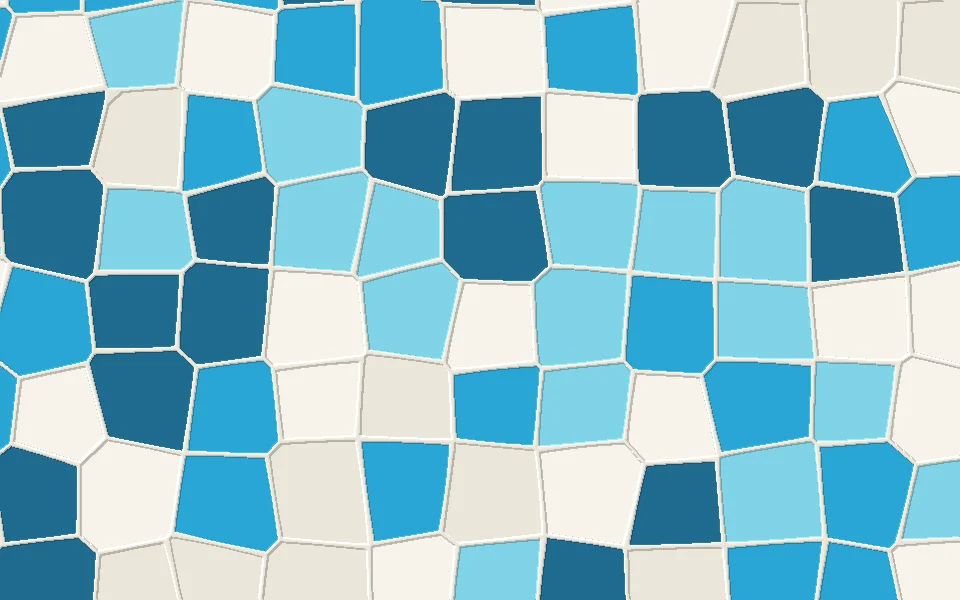
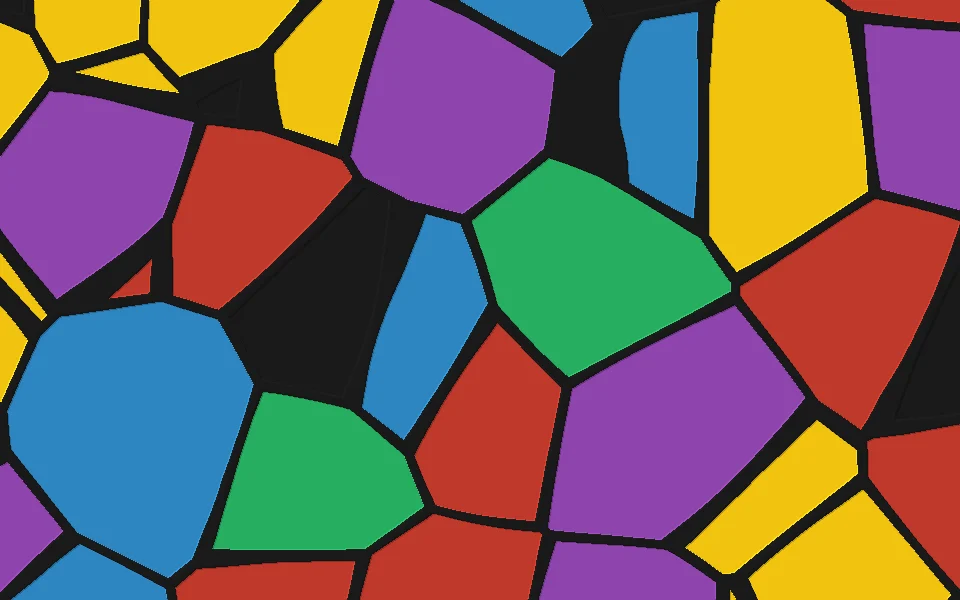
Granite is a 4-color pattern for multicolor 3D printing: soft, natural splotches of different sizes, like the skin of a gecko or a frog, in charcoal, gray, light gray and black. Put it on your own STL, OBJ or 3MF model in the KOGI LAB editor, change the colors to the filaments you have, and download a print-ready multicolor 3MF for Bambu Studio, OrcaSlicer or PrusaSlicer.
- charcoal#3C3C3C · 35%
- gray#9A9A9A · 30%
- light gray#D8D8D8 · 20%
- black#1A1A1A · 15%
The colors are a starting point: in the editor each one becomes a filament you can change, and the shares set how much of each goes on the model.
HOW TO PRINT IT.
- Open your modelUpload an STL, OBJ or 3MF in the KOGI LAB editor, or start with one of ours.
- Put Granite on itThe pattern wraps the whole model or only the parts you pick. Change its colors, scale and shares.
- Download a 3MFThe colors are painted into the 3MF, ready for Bambu Studio, OrcaSlicer or PrusaSlicer and your AMS or multi-material printer.